
“Image(s) + Text” Sections
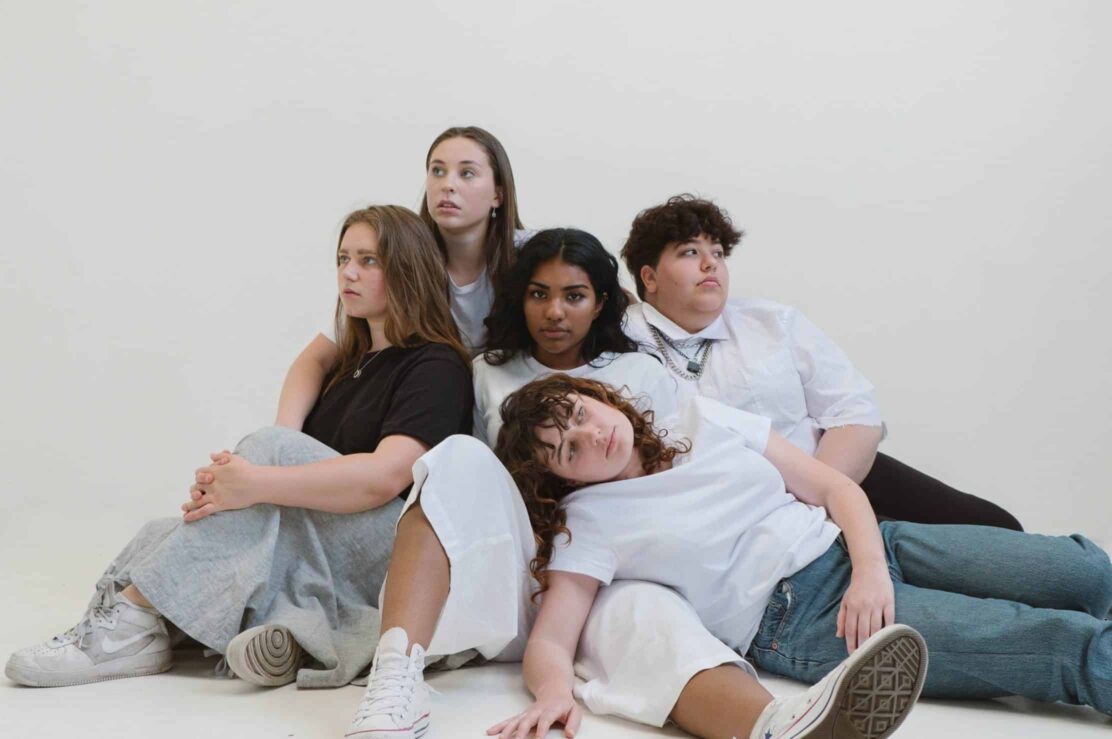
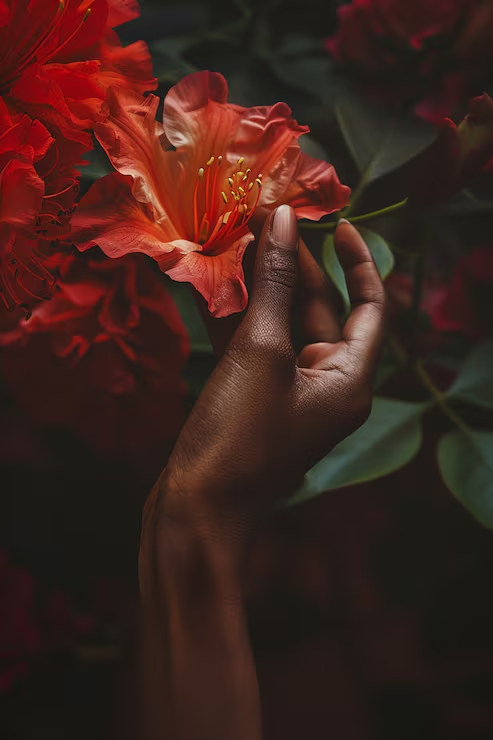
Here’s an example of how this section-type is sometimes used at the top of a page. There are two images, pulled towards the right edge, with a background accent behind them.
You can see an example of this on the “Resources” page. Also note that the first image is taller than it is wide and the second is shorter than it is wide. This is the common way this image-collage is put together.

Heading 6
Here’s a simple example of this section-type with text on the right an image on the left and a button prompt at the bottom. See an example on the home page (2nd section). (format = post-header lead)
Also, this section has a large gap added before it to separate it from the top section.
Display a Video instead of an Image
Instead of an image, you may instead display a video. In order to do this, first change “Display a video embed instead of an image?” to “Yes” and then copy/paste the embed code of a Youtube or Vimeo in the “Video Embed” field.
An example of this is is on the “Resources for Medical Professionals” page towards the bottom.
Pull Image to Edge
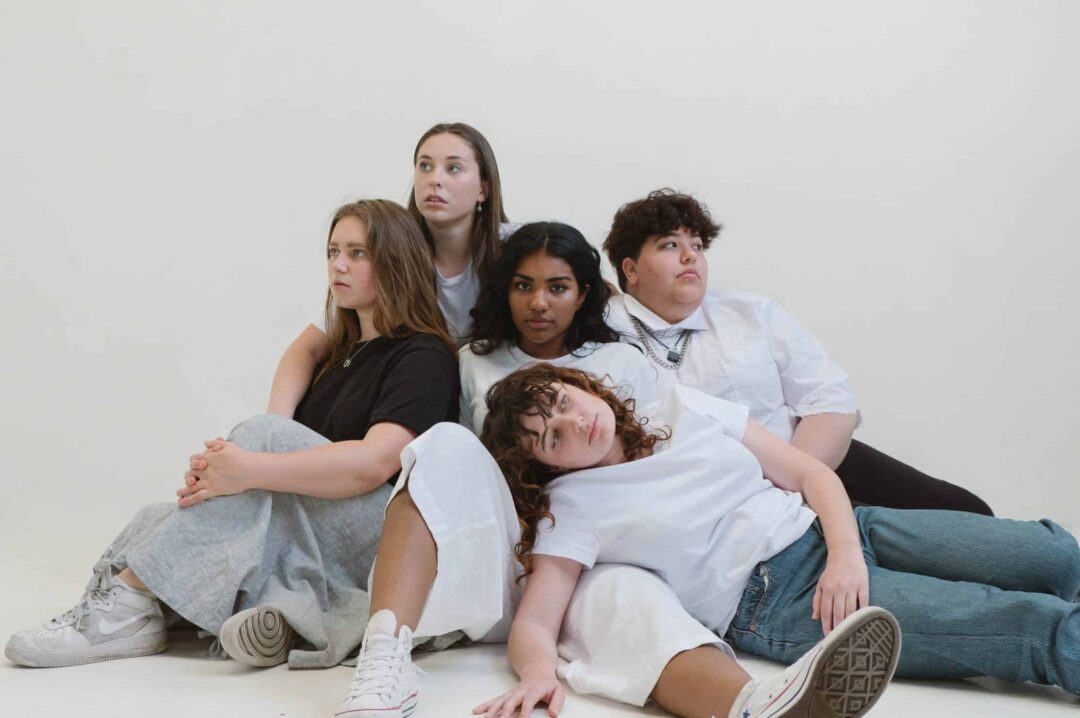
Change the dropdown “Pull Image towards Window’s Edge?” to “yes” to get this effect. Notice that the height of the image creates the top/bottom boundaries of the section. So an image that is taller than it is wide will create a taller section.
See an example of this at the end of the homepage (search “Events & Campaigns”).
Pull Image to Edge (and shift down)
Change “Shift Image Down?” to “Yes” and make sure that this section has a background color so that it is visually clear that the image is getting shifted down.
See an example of this on the “Take Action” page (search “Volunteer Opportunities”).
Grouped Image and Text (h3)
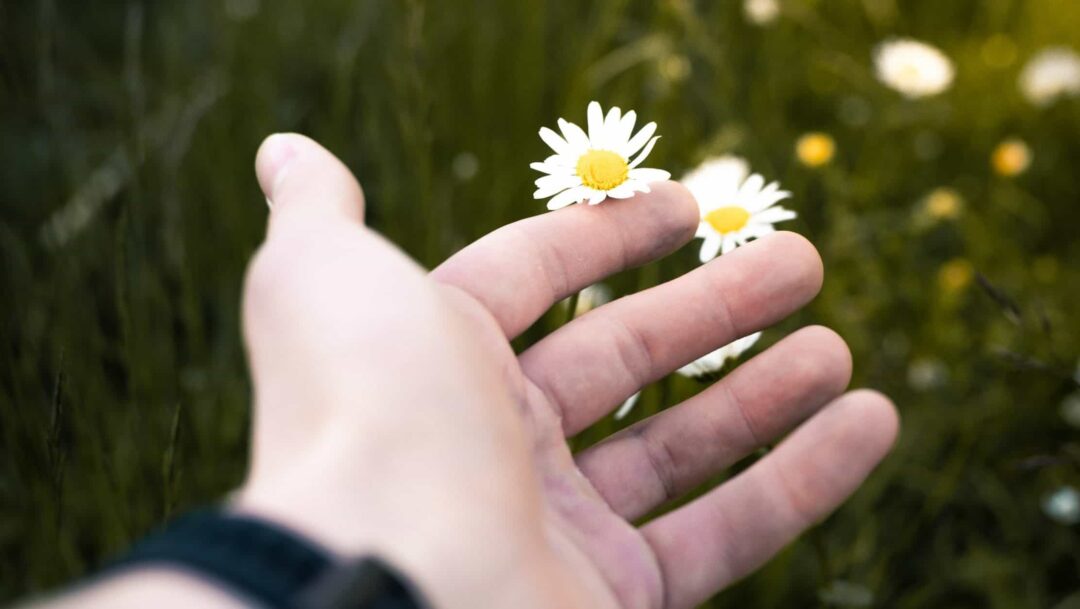
You can restrict the background color to only the text, which has the visual effect of more closely grouping the image and text together. To get this effect, change “Visually Group the Image and Text Together?” to “Yes”. Note that this also automatically pulls the image to the window’s edge.
The height of the image is defined by the height of the text so if an important part of the image is getting cut off, be sure to edit the image’s “Image Focus” fields (learn more about “Image Focus” fields). See an example of this on the “What is Domestic Violence” page (search for “Who can be affected by domestic violence?”).
Grouped Video and Text (h3)
A video can also be displayed in place of the image in this view although one downside of this is that, once the user starts playing the video, black bars will appear on the edges of the video. This is because all videos have a height that is a certain percentage of their width but, in this grouped view, the height of the video is defined not as a percentage of its width, but as the height of the text.
You can see an example of this in the “movement therapy exercises” section of the “Resources for Survivors” page.
Accent Rectangles
These can be different colors and have different positions. To get started, change “Add Background Rectangle Accent?” to “Yes”.
You’ll then see “Accent Rectangle Color”, which can be “gray” (default), “light purple”, or “dark purple”. You can also edit “Accent Rectangle Position” to be either “behind the image”, “bottom of section”, or “top of section”.
If you have your image pulled to the browser’s edge and define the accent rectangle to be behind the image, it will automatically adjust to become a bottom bar. An example of this is on the “Resources” page (search for “For Supporters”).
Position: Bottom of Section
This is a common accent position when the image is pulled to the edge.
View an example on the “for supporters” section of the Resources page
Position: Top of Section (h3)
This is sometimes used when along with the option “Visually Group the Image and Text Together? = Yes”
See an example in the “Who can be affected by Domestic Violence” section of the “what is domestic violence” page.